
Introduction
In performance marketing, data is currency. If your tracking infrastructure is broken, every decision you make to scale your Google or Meta ad campaigns is based on guesswork.
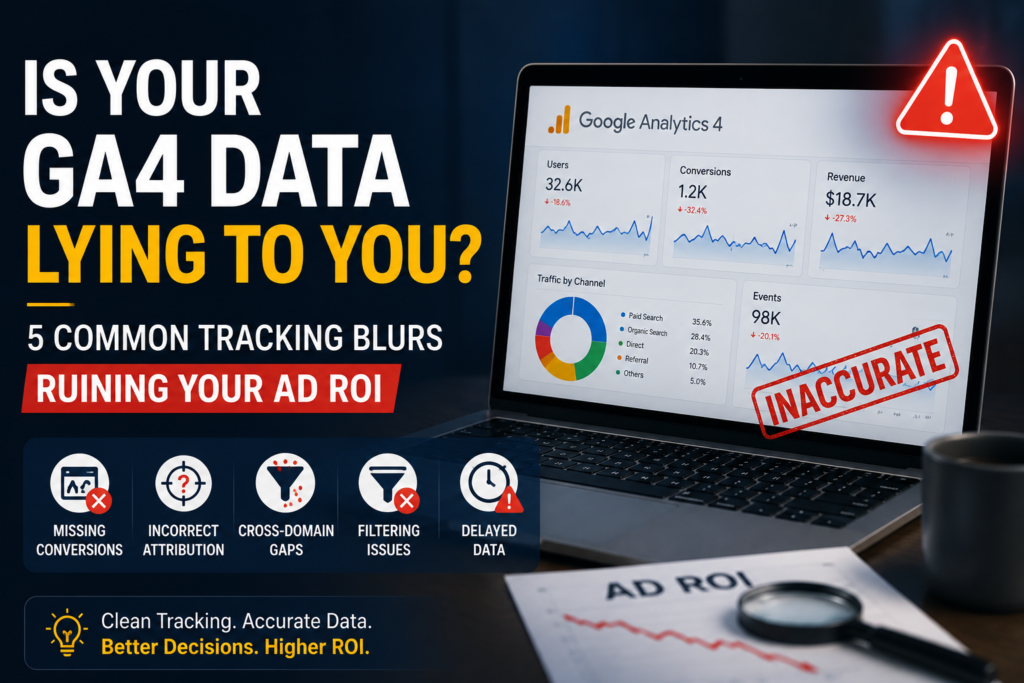
Many businesses look at their dashboards and see a surge in traffic, but their actual bottom-line revenue doesn’t match up. The culprit? Hidden migration gaps, missing event triggers, and broken conversion attribution inside Google Analytics 4 (GA4).
If you want to stop bleeding your ad budget, you must eliminate these five common tracking errors and clean up your data ecosystem.
1. Relying Solely on GA4 Enhanced Measurement
When you first launch GA4, it automatically tracks basic actions like scrolls, outbound clicks, and site searches out of the box. While convenient, relying only on these default settings is a massive trap for serious lead generation or e-commerce campaigns.
- The Issue: Enhanced measurement doesn’t understand your specific business objectives. It cannot track custom form fills, specific button clicks, or multi-step checkout funnels accurately.
- The ROI Fix: Turn off generic tracking for critical actions. Instead, use Google Tag Manager (GTM) to build precise, custom event triggers that align exactly with your primary conversion milestones.
2. Unfiltered Internal Traffic and Bot Spikes
Are your conversion rates dropping while your traffic skyrockets? You might be analyzing data polluted by your own internal team or automated web scrapers.
- The Issue: If your team is constantly visiting your live site to test changes, push updates, or review copy, their behavior is logged right alongside your real customers. This skews your engagement rates, inflates sessions, and dilutes your true conversion metrics.
- The ROI Fix: Navigate to your GA4 Data Streams settings and configure Internal Traffic Filters by defining your team’s IP addresses. Additionally, ensure custom developer traffic is excluded from your primary reporting views.
3. Broken Cross-Domain Tracking
If your business uses a third-party platform for checkout, booking forms, or customer portals (e.g., shifting from yoursite.com to checkout.platform.com), your data might be fracturing mid-journey.
- The Issue: Without explicit cross-domain configuration, GA4 treats a single user moving between these two domains as two completely separate visitors. This wipes out the original traffic source, making it look like all your sales are coming from “Direct” traffic rather than your paid campaigns.
- The ROI Fix: Update your Tag Settings in GA4 to include all related domains under the Configure your domains section. This preserves the user cookies and keeps your attribution clean from ad click to final purchase.
4. The Nightmare of Duplicate Conversion Counting
One of the fastest ways to artificially inflate your ad performance (until you check your bank account) is duplicate event triggering.
- The Issue: If a user submits a lead form and then reloads the thank-you page, or hits the submit button multiple times, a poorly configured tag will count each action as a brand-new conversion. Your ad dashboard reports massive success, but your actual sales team sees half the volume.
- The ROI Fix: Configure your conversion settings in GA4 to count an event “Once per session” instead of “Once per event” for lead forms where multiple entries from the same user session distort reality.
5. Ignoring Server-Side Tracking in a Cookie-Less World
Traditional browser-based tracking (client-side) is dying. Ad-blockers, privacy-focused browsers, and iOS privacy updates routinely block standard tracking scripts from firing.
- The Issue: If you rely purely on browser pixels, you could be missing up to 20% to 30% of your actual conversion data. Your ad algorithms don’t get enough data to optimize efficiently, driving up your Cost Per Acquisition (CPA).
- The ROI Fix: Transition your core tracking infrastructure to Server-Side GTM. By moving the data collection cloud-side, you bypass browser restrictions, improve site loading speeds, and feed clean, first-party data directly back to your marketing platforms.
Conclusion: Clean Data Scales Campaigns
You cannot build a high-performing digital marketing strategy on a shaky technical foundation. Before scaling your ad budget or rewriting your landing page copy, run a comprehensive technical audit on your analytics setup.
When your GA4 data matches your actual business revenue, your marketing engine gains the precision it needs to scale predictably.
Author: Ravi Kumar Singh